
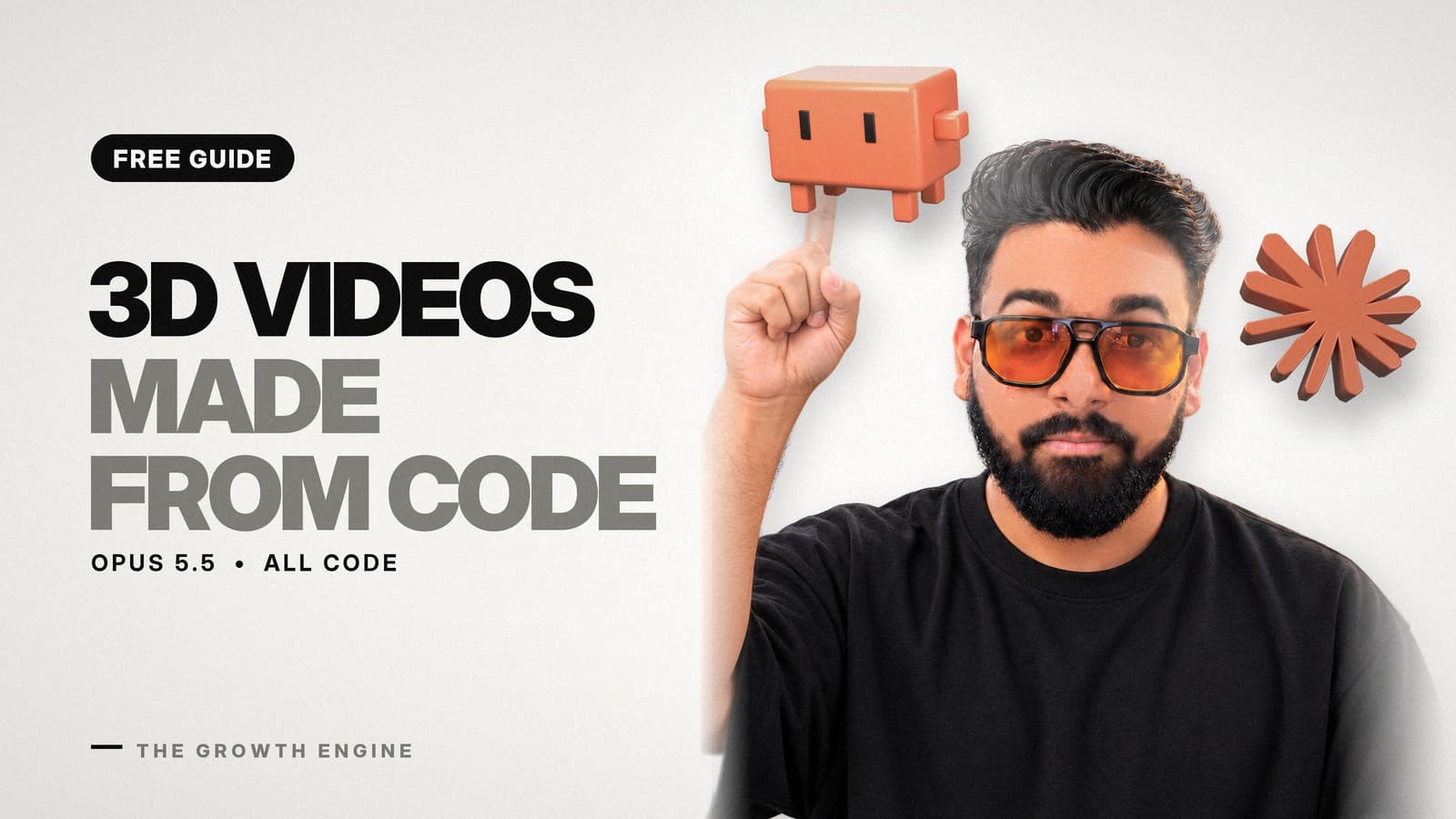
Clawd, the little orange mascot that greets you in the Claude Code terminal, builds itself out of flying blocks, walks across a keyboard, drops into real-looking grass and turns into a giant made of hundreds of smaller Clawds. It looks like a 3D animated short. Nobody filmed it, and no video model generated it.
The maker, Leon Lin (@LexnLin on X), had Claude Opus 5.5 write a program that builds each 3D scene, moves the camera and renders every frame. The same method works for your own character, product or logo, and you do not need to write any code yourself.
This guide walks you through it from an empty folder to a finished MP4 with sound: the setup, the prompts for each stage, how to give feedback, when the "ultracode" setting is worth it, what it costs and the licence traps to check before you use one of these for a brand.
Short answer: To make an animated video with Claude Code, ask Opus 5.5 to write the scene as code (Three.js, Blender or a similar engine), get a storyboard first, render a 5-second test, fix it in plain words, then render the full video and add real sound effects. The result is code, so you can change the character, camera or colours and render it again.
- Claude models output text, not pixels. Every frame comes from code Claude writes and runs on your computer.
- Leon Lin says his one-minute Clawd video ran on ultracode for about 12 hours. Typing the keyword
ultracodein a prompt makes Claude Code split a job across many agents. - Start with a 15-second test. Long multi-agent runs use your plan's usage limits fast.
- Free kits on GitHub do most of the setup for you. Lemo OpusCar has 59 film styles made in code.
Coded video vs AI-generated video
A video model, such as Google's Veo 3.1, turns a text prompt into a clip. Google's own guide says Veo 3.1 makes clips of 4, 6 or 8 seconds per generation. You can describe what you want, but you cannot open the clip and move the camera two degrees to the left.
A coded video works the other way round. Anthropic's docs say all current Claude models take text and images in and give text out. So Claude cannot paint a frame. What it can do is write a program, in a 3D library like Three.js or a tool like Blender, that places objects, lights the scene, moves a camera and saves every frame as an image. FFmpeg, a free command-line video tool, then joins the images into an MP4.
The practical difference for a business is control. With code, you can swap the character for your product, change the brand colours, make a 9:16 version for Instagram and render again. The scene stays the same until you change it, so version two of an ad does not drift away from version one.
The example: Leon Lin's Clawd video
Leon posted the one-minute video on X, saying it was made with Opus 5.5 on ultracode. When we checked on 20 October 2026, the post had about 173,000 views. His video moves through these scenes:
- A blinking terminal cursor, then orange blocks fly in and build Clawd.
- Clawd walks across a keyboard. In close-up, each keycap holds a tiny world: water, grass, a red light.
- Clawd drops into grass under a tree, and blocks fall from the branches.
- A crowd of hundreds of Clawds forms one giant Clawd.
- A keycap with a whole little island inside, then back to the terminal and a tiny pixel Clawd.
In a reply post, Leon shared his prompt and said the job ran on ultracode for about 12 hours. His exact rendering stack is not published, so this guide does not guess at it. What follows is how you make your own, using his prompt as the starting point.
Before you start
- Claude Code on a paid Claude plan. The free plan does not include Claude Code. Pro costs $20 a month, or about $17 a month billed yearly. Install it from the Claude Code setup page, or use the Code tab in the Claude desktop app.
- Opus 5.5 selected. Type
/modelinside Claude Code and pick it. In the desktop app, use the model picker under the prompt box. - Node.js and FFmpeg on your computer. Claude Code can install both if you ask. Node.js runs the tools that render browser-based scenes such as Three.js; FFmpeg joins the frames into a video.
- A free sound library account at freesound.org or pixabay.com/sound-effects.
- Free disk space. One minute at 60 frames per second is 3,600 images before they are joined, so leave plenty of room.
- Time. Budget up to an hour for a 15-second test. Leon's full minute ran for about 12 hours.
Stage 1: Set up the project
- Create an empty folder, for example
clawd-video, and open Claude Code in it. In a terminal,cdinto the folder and typeclaude. In the desktop app, choose Open folder… under the prompt box. - Type
/modeland pick Opus 5.5. - Ask Claude to check your tools: "Check that Node.js and FFmpeg are installed. If not, tell me what you need to install and ask before you do it."
- Drop one or two reference images into the folder if you have them: your product, your logo, a still from a film whose look you like.
Why one folder per video: every script, frame and sound file lands there. If you want version two later, you open the same folder and ask for the change.
Stage 2: Write the brief
This is the prompt Leon used, from his own post on X, in his words as far as the post shows them. Swap Clawd for your own character.
Make a one-minute video about the Claude mascot, Clawd. You can find assets online, like SVGs, then recreate and animate them yourself. Be as creative as you possibly can. Render 3D objects: Claude Code terminals, nature, whatever you like. No fonts, no text, only clean animations of Clawd. Sound must come from free, professional sounds and assets online, not generated in code.Prefer one page with copy buttons? The same prompt and steps are on our free SCENE guide page.
Each line does a job. "Be as creative as you possibly can" gives the model room to invent shots. "No fonts, no text" keeps the job to pure animation. The sound line stops it from synthesising beeps in code. Keep all three when you adapt it.
For a product or brand, a version we would start from:
Make a 15-second video about [your product], using the reference images in this folder. Build it as 3D objects in code and render every frame. One hero object, a clean background in [your brand colours as hex codes], slow camera moves. No fonts, no text, no people. Sound must come from free, professional sound files online, not generated in code.Stage 3: Get a storyboard before any code
Before you write any code, give me a 10 shot storyboard with the camera move and the sound for each shot.- Read the 10 shots. Each one should name what is on screen, how the camera moves and what you hear.
- Cut or change the shots you do not like now. It is cheap here and expensive later.
- Check the order tells a story: a start, something that changes, an end.
- Reply with your changes in plain words and ask for the updated storyboard. Approve it only when you would be happy to watch it.
Stage 4: Render a 5-second test
- Ask: "Build the first shot only and render a 5-second test at 1080p. Then make a contact sheet: one frame every 2 seconds in a grid."
- Open the test and the contact sheet. The sheet lets you check 30 frames of a minute in ten seconds instead of watching the whole thing.
- Say what is wrong in plain words, like "the crab is too small" or "the camera moves too fast."
- If it looks flat, ask for depth of field, a key light and a rim light by name. Add grass and particles only after the main shot works.
- Repeat until the first shot is right. That shot sets the look for the rest.
Ask for a contact sheet after every render from here on. It is the fastest way to catch a broken shot before you sit through a long video.
Stage 5: Run the full render
You have two ways to run the rest. A normal session works shot by shot and can ask you questions as it goes. Ultracode hands the job to a team of agents that work in parallel.
- Tell Claude to save each finished shot to its own folder, so a crash does not lose the lot.
- For a normal run, ask it to build and render the remaining shots one at a time, with a contact sheet after each.
- For a multi-agent run, start the prompt with
ultracode, for example: "ultracode: build and render the remaining 9 shots from the approved storyboard, each in its own folder, then join them in order." - Approve the plan when Claude Code shows it. In the desktop app this is a card with Once, Always and Deny, plus a token-usage caution.
- Watch it with
/workflows, which shows each phase, each agent and its token usage. Select the run and pressxto stop it. - Keep Claude Code open and the computer awake. If you exit while a workflow is running, it does not carry on by itself.
Make every decision before you start a workflow. Anthropic's docs say a workflow takes no input from you mid-run, so a storyboard you have not approved becomes guesswork for a dozen agents at once.
Stage 6: Add sound
- Tell it which library to use and to download real files, never to synthesise them: "Find and download real sound effects from freesound.org for each shot. One sound per visible action, a quiet bed under everything."
- Ask it to keep a list of every sound file, where it came from and its licence. You need this before you publish.
- Listen with headphones. Ask for changes the same way: "the footsteps are too loud," "the whoosh is late."
Stage 7: Export
- Ask for the final MP4 at 1080p and 60 frames per second.
- Ask for a 9:16 copy for Instagram and TikTok with the character kept in the middle of the frame.
- Open both files and watch them once from start to finish before you post.
What ultracode does, and when to use it
Ultracode sounds like a magic word, so here is what Anthropic's documentation says it is.
- The keyword. Put
ultracodein a prompt you type, and Claude writes a dynamic workflow for that one task instead of working turn by turn. A workflow is a script that runs many subagents at once. Asking in plain words, like "use a workflow," does the same thing. - The setting.
/effort ultracodeturns it on for the whole session, so Claude plans a workflow for every substantive task. Anthropic warns that each request then uses more tokens and takes longer, and you reach your session or weekly limit sooner. - On the Pro plan you first turn dynamic workflows on from the Dynamic workflows row in
/config. Pro also defaults to a "small" size, which aims for fewer than 5 agents. - Usage limits. If an agent hits your usage limit, an interactive run pauses and continues on its own after the limit resets, as long as the reset is within 24 hours (Claude Code v2.1.271 or later).
- Size warning. When a workflow plans more than 25 agents, or more than 1.5 million tokens, Claude Code shows a "Large workflow" warning. With ultracode turned on as a setting, that warning is skipped, because you already opted in to large runs.
Anthropic's own advice is to run a workflow on a small slice first to gauge the spend. For video, that means skipping ultracode on your first try. Make the 15-second test in a normal session, see what it uses, then decide whether the full minute is worth a multi-agent run.
Free kits that do most of this for you
| Kit | What it does | Licence |
|---|---|---|
| Lemo OpusCar by LemoLab | 59 ready film styles, each a style prompt plus a demo film made entirely in code by Opus 5.5, with no video model | Code MIT; demo films CC BY 4.0, so credit LemoLab if you reuse them |
| Blender MCP by Siddharth (ahujasid) | Lets Claude drive a real Blender on your machine: build objects, apply materials, render. A third-party plugin, not made by Blender | MIT |
| xilo-opus-video by Kianzzz | A Claude Code skill that writes the video in Canvas, Three.js, Remotion, HyperFrames and more. It gives you three plans with previews before it renders | MIT |
| opus-video-studio by xdis | A small, new studio where Opus 5.5 writes the script and code with Canvas, Three.js or Blender. Built around rendering on a Mac | MIT |
A kit saves you the setup rounds. Lemo OpusCar is the quickest start if you want a ready-made look, and Blender MCP suits you if you already use Blender.
What goes wrong, and how to fix it
- It drifts off the brief. Keep the bans short and absolute: no text, no fonts, one character.
- Renders look flat. Ask for depth of field, a key light and a rim light by name.
- It makes music in code. Say "download real files from freesound.org" in the prompt, or it will synthesise beeps.
- Long runs stall. Save each finished shot to its own folder. In a workflow, an agent that stops sending output restarts by itself, up to five times.
- Text sneaks into the frame. Repeat "no fonts, no text" in your feedback and point at the shot number on the contact sheet.
- Usage runs out mid-render. Check your usage after the test render, before the full one. On a subscription, a paused workflow can continue after the limit resets.
What it costs
Claude Code comes with Claude Pro ($20 a month, or $17 a month billed yearly) and higher plans. On a subscription, a render job draws down your plan's usage rather than sending you a bill per token. If you run Claude Code on the API instead, Opus 5.5 costs $4 per million input tokens and $20 per million output tokens. We found no published figure for what a 12-hour ultracode run costs, which is one more reason to test small first.
The rendering itself runs on your own computer. Blender is free for any purpose, commercial work included, and FFmpeg is free too. Most of your time goes into the storyboard and the fix rounds.
Licences to check before you use it for a brand
- Sound effects. Freesound sounds come under three licences: CC0 (no credit needed), Attribution (credit the creator) and Attribution NonCommercial (no commercial use). You need a free account to download. Pixabay's licence allows free use without credit, with limits around trademarks and selling the files on their own.
- Remotion. Some kits can render through Remotion. Its free licence covers individuals and companies of up to 3 people. Companies of 4 or more need a paid company licence.
- Demo films. Lemo OpusCar's demo films are CC BY 4.0, so reusing them needs a credit to LemoLab and a link.
- The character. Clawd is the mascot from Anthropic's Claude Code terminal. For your own ads, use your own character or product.
- Blender MCP security. Its own page warns that its code tool runs any Python inside Blender, and that the add-on's connection has no authentication. Save your work first, and keep it on your own machine.
If you want brand videos like this made for you, that is the work our creative production team does.
Who this is for, and who should skip it
- Good fit: brands that want a repeatable animated style, product explainers and launch teasers where the same scene gets updated often.
- Good fit: marketers who are happy to give plain-English feedback over several rounds.
- Skip it if you need a realistic person on screen. Coded scenes suit stylised objects, characters and motion graphics.
- Skip it if you need something this afternoon. A 15-second test can take an hour, and a full minute can run overnight.
Frequently asked questions
Can Claude make videos?
Not directly. Claude models take text and images in and give text out. What Claude Code can do is write a program, in Three.js, Blender or a similar tool, that builds a scene, moves a camera and renders every frame, then join the frames into an MP4 with FFmpeg.
What is the difference between a coded video and an AI-generated video?
A video model like Veo 3.1 turns a prompt into a clip of 4, 6 or 8 seconds that you cannot edit inside. A coded video is a program, so you can change the character, camera, colours or format and render it again.
What does ultracode do in Claude Code?
Typing the keyword ultracode in a prompt makes Claude write a dynamic workflow for that task, a script that runs many subagents at once. The /effort ultracode setting does this for every substantive task in the session. Both use more tokens and reach your usage limits sooner.
How long does it take to make a coded 3D animation?
Leon Lin says his one-minute Clawd video ran on ultracode for about 12 hours. Budget up to an hour for a 15-second test, which is why the guide starts with a storyboard and a short test render.
Do I need to know how to code?
No. You describe the video, approve a storyboard, look at test renders and say what to change in plain words. Claude writes and runs the code.
Can I use the sound effects commercially?
It depends on each file's licence. On Freesound, CC0 sounds need no credit, Attribution sounds need a credit, and NonCommercial sounds cannot be used in paid work. Ask Claude to keep a list of every sound and its licence.
Sources
- Leon Lin: the Clawd video on X
- Anthropic: dynamic workflows and ultracode
- Anthropic: Claude Code setup
- Anthropic: Claude models overview (inputs, outputs, pricing)
- Google Cloud: Veo 3.1 prompting guide (clip lengths)
- Lemo OpusCar on GitHub
- Blender MCP on GitHub
- Freesound FAQ (licences)
- Remotion licence
- Blender licence