I recorded a video, gave the raw file to Claude and asked it to edit it. That is it. Claude picked my best takes, cut my mistakes, cleaned the echo out of my voice, wrote every caption and built every animation. Here is every tool it used, and a prompt you can copy to edit your own video.
Every tool Claude used
Claude runs all of these for you. You just talk to it in plain English.
1
Claude Code
Made by Anthropic
This is the editor. You give it your raw video and tell it what you want. It runs every other tool on this page for you.
It turns every word you say into text, with the exact time of each word. That is how Claude knows which take has a mistake and where each caption goes.
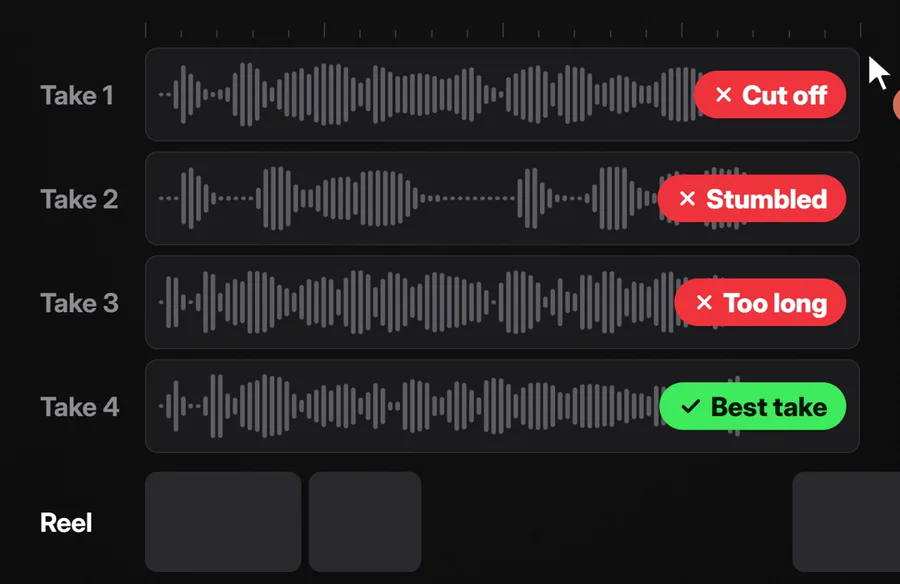
From my reel: four real takes of one line, with the reason Claude gave for each one. It kept take 4.Open Whisper on GitHub
3
MediaPipe
Made by Google · free
It checks where your eyes look in every take. When two takes sound just as good, Claude keeps the one where you look at the camera.
Copy this, add your video file, and send it to Claude Code.
Prompt
I want you to edit my talking video. Here is the raw file: [add your video file here]

1. Turn every word I say into text, with the time of each word.
2. If I said a line more than once, keep the best take. Pick the one with no stumbles, nothing cut off, and where I look at the camera. Cut every mistake, filler word and long pause.
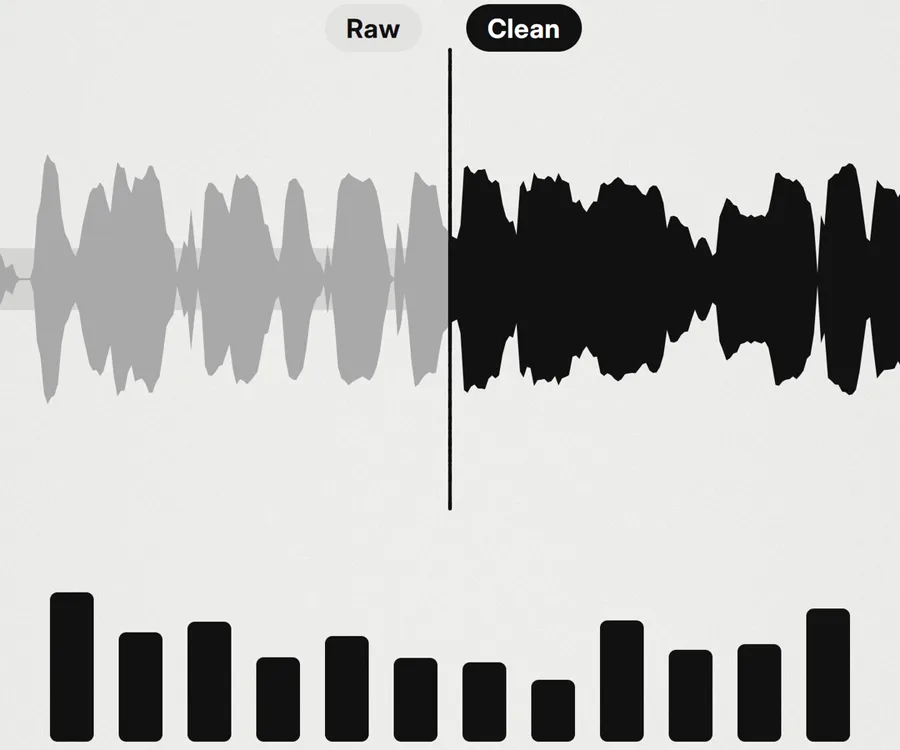
3. Clean my voice. Remove the echo and the room noise.
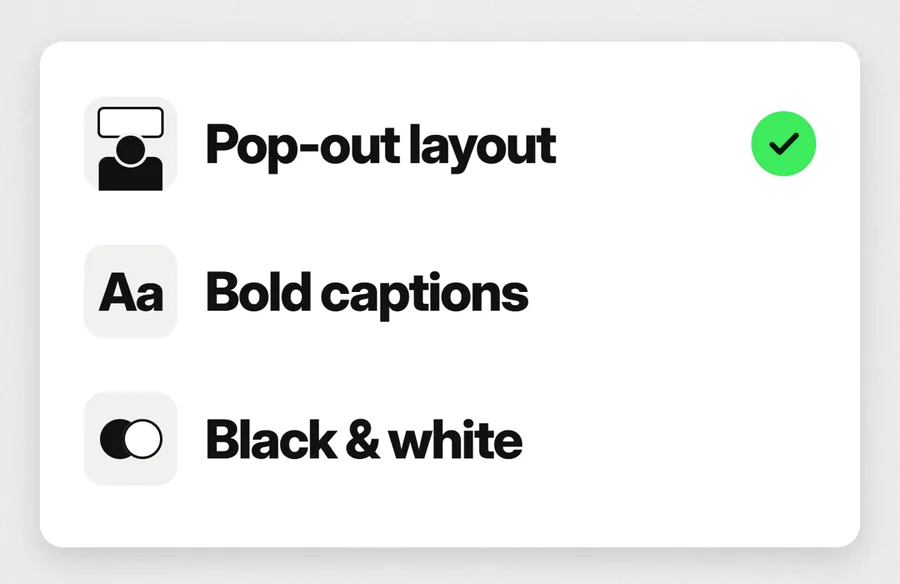
4. Add captions that match my words exactly, a few words at a time. Never put them over my face.
5. Add an animation for each line that shows what I am saying.
6. Export it as a vertical 9:16 video, 1080 by 1920.

Before you start, tell me which tools you need and help me install them. Show me which takes you kept before you make the final video.
How to edit your own video
1
Open Claude Code
In the Claude desktop app, switch to Code. Or open Claude Code in your terminal. It needs a paid Claude plan.
2
Record your video
Record it in one go. If you mess up a line, just say it again. Claude keeps the best take.
3
Paste the prompt above
Add your video file and send it. Claude tells you which tools it needs and installs them with you.
4
Check the takes, then let it finish
Claude shows you which takes it kept. Say yes, and it builds the finished video.
5
Want a new style next time?
Give Claude a reference video you like and say "edit my next video in this style". It does the rest.
Questions people ask
Did Claude really edit this whole video?
Yes. I recorded it, gave the raw file to Claude and asked it to edit it. Claude ran every tool on this page. It picked the takes, cut my mistakes, cleaned my voice, wrote the captions and built the animations and 3D scenes.
Do I need to know how to code?
No. You talk to Claude in plain English. I do not write code myself.
Which tools cost money?
Claude Code needs a paid Claude plan, and ElevenLabs is a paid service. Everything else on this page is free.
Is there an easier way to start?
Yes. video-use is a free kit that lets Claude Code cut your video by what you said, fix the colour and add captions. In Claude Code, just say: "Set up https://github.com/browser-use/video-use for me." Open video-use on GitHub
Want AI set up like this for your business?We build AI setups and run ads for businesses.
Every tool here is made by its own team: Claude Code by Anthropic, Whisper by OpenAI, MediaPipe by Google, Voice Isolator by ElevenLabs, FFmpeg by the FFmpeg project, HyperFrames by HeyGen, Blender by the Blender Foundation, Robust Video Matting by Peter Lin and team, and video-use by Browser Use. All credit to them.