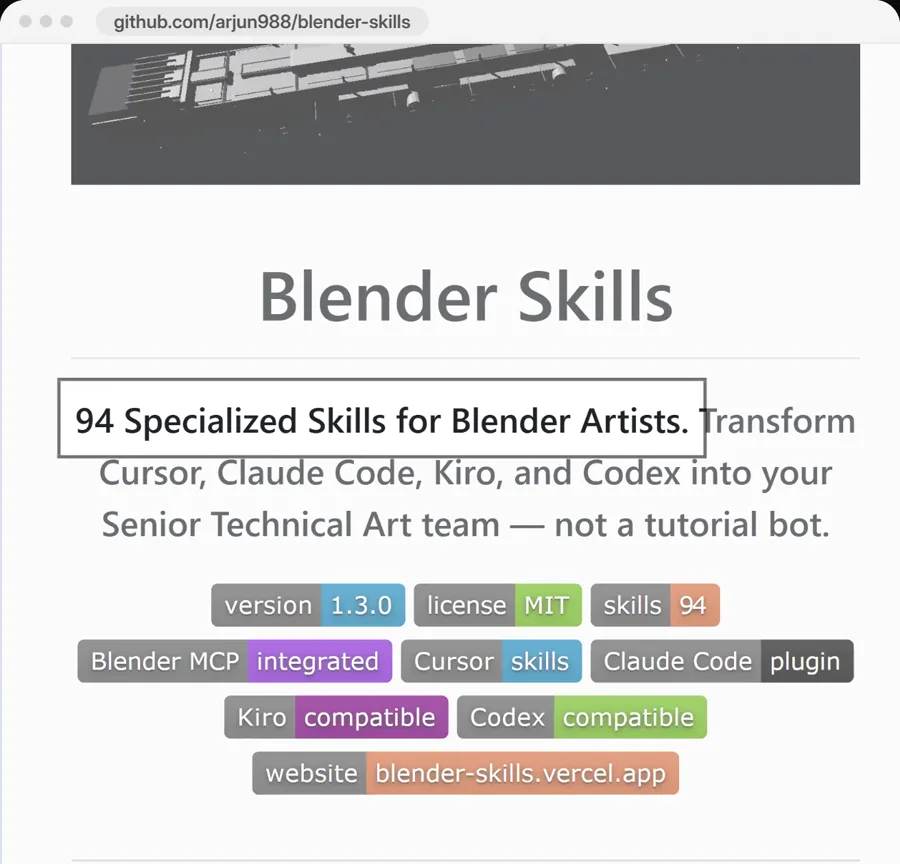
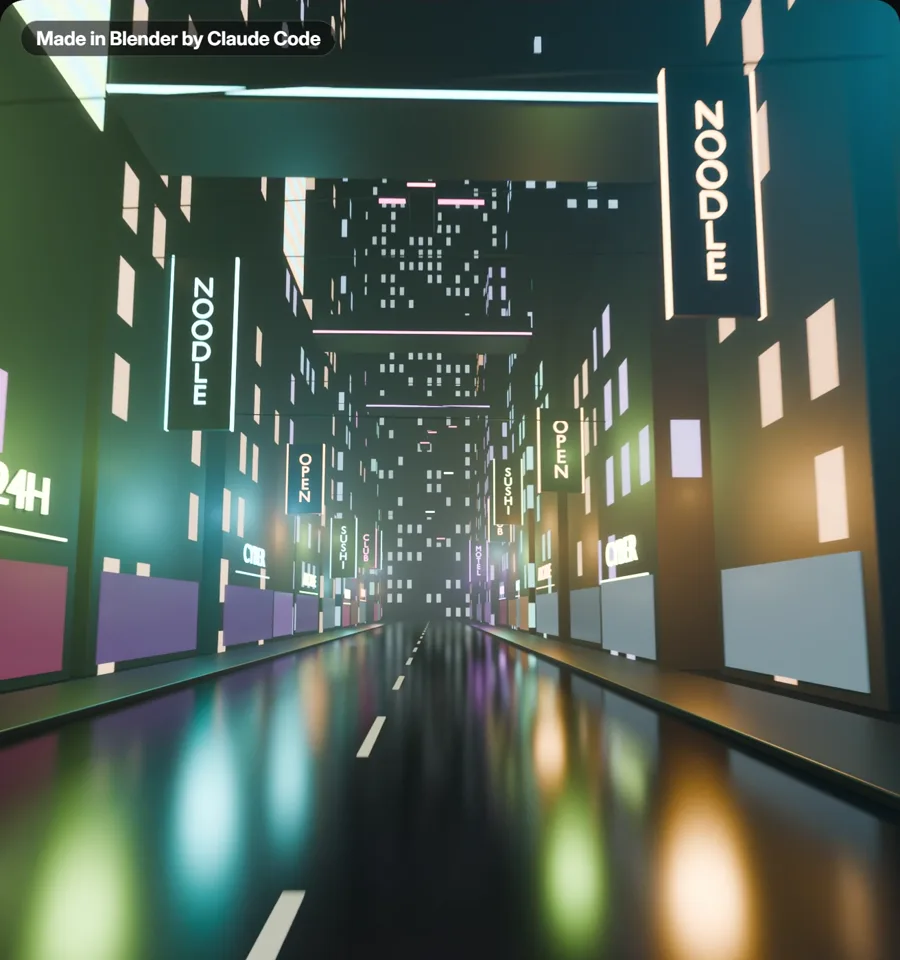
Blender Skills is a free pack of 94 skills that teaches Claude Code to work in Blender. Claude Code connects to Blender through a free add-on called BlenderMCP. Then you just describe what you want, like a cyberpunk world you can move around in. Here are both links and the setup steps.
It has 94 skills that teach Claude Code how to work in Blender. There are skills for models, characters, textures, lighting and animation, and for export to Unity, Unreal or Godot.
It works with Claude Code, Cursor, Kiro and Codex.
This free add-on connects Blender to Claude Code. You install it in Blender, and then Claude Code can work in Blender while it is open on your computer.
This is the skill that runs the job when you describe what you want. It plans first. "Never skip planning" is one of its rules. Then it hands each step to the right skill, like the character, lighting, texture and export skills.
Then just say: make a cyberpunk world I can move around in
From my reel: Claude Code made this street in Blender for my reel, following the pack's own skill files.Read the Blender Director skill
One prompt to set it up
Copy this and paste it into Claude Code. Keep Blender open on your computer.
Prompt
Set up Blender Skills for me so you can work in Blender.

1. Install uv if I do not have it.
2. Help me install the free BlenderMCP add-on in Blender and connect it to you. Follow its README: https://github.com/ahujasid/blender-mcp
3. Clone https://github.com/arjun988/blender-skills and copy its .claude/skills folder into this project.

Tell me when I need to click something in Blender, and tell me when to restart you.
How to set it up
1
Install uv
The setup starts with uv, a small free tool. If you do not have it, just say "install uv for me" in Claude Code.
2
Install the BlenderMCP add-on
It is free. Install it in Blender from its GitHub page.
3
Connect to Claude
In Blender, press N to open the sidebar. Click BlenderMCP, then click Connect to Claude.
4
Add the skills and restart
Copy the pack's .claude/skills folder into your project. Then restart Claude Code so it loads the skills.
5
Describe what you want
For example, "make a cyberpunk world I can move around in". The Blender Director plans the job first, then hands each step to the right skill.
Questions people ask
Is Blender Skills free?
Yes. The pack is free and open source (MIT). Blender is free, and the BlenderMCP add-on is free too (MIT). Claude Code itself is not free. You need a paid Claude plan or API usage.
How many skills are in the pack?
There are 94. Each one is a folder with a SKILL.md file, like character-artist, lighting, texture-workflow, asset-optimization and export-pipeline. There are export skills for Unity, Unreal and Godot too. See all the skills
What does the Blender Director skill do?
It runs the whole job. It looks at what you asked for and makes a plan first. Then it hands each step to the right skill, and it checks the work before it gives you the result. Read the Blender Director skill
Does it only work with Claude Code?
No. The pack says it works with Claude Code, Cursor, Kiro and Codex. All of them connect to Blender through the same BlenderMCP add-on.
Want AI set up like this for your business?We build AI setups and run ads for businesses.
Blender Skills is made by arjun988, and the BlenderMCP add-on is made by ahujasid. Both are MIT licensed. The Blender shots in my reel and on this page were made by Claude Code in Blender for my reel. All credit to the creators.