Give your coding agent a browser that it can control
Agent Browser is a free and open-source tool from Vercel Labs. It gives your coding agent a browser that it can control. The agent reads each page as a short text list. Each button and each field gets an ID, and the agent clicks and types by that ID. Here are the install lines, one prompt and the notes to read before you start.
One free tool, in 3 parts. Read the notes before you start.
1
Agent Browser
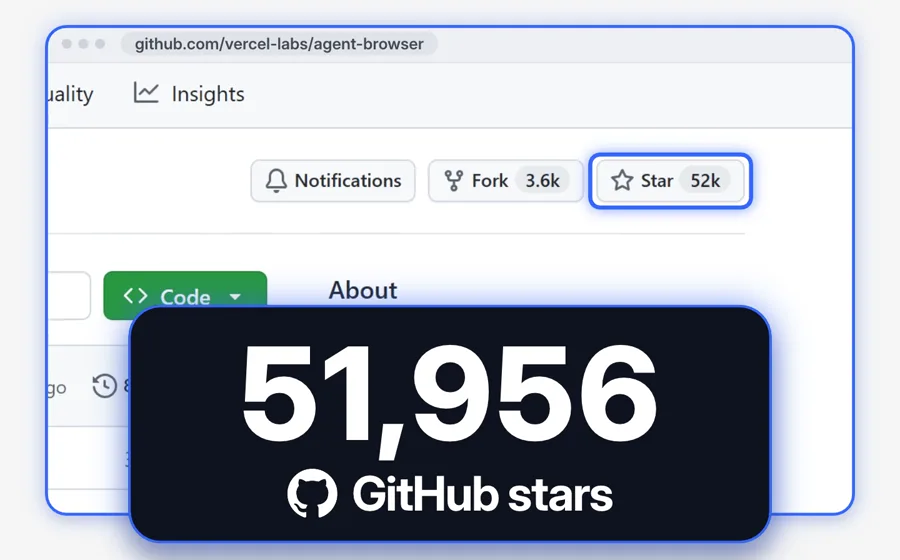
Made by Vercel Labs · free and open source (Apache-2.0) · more than 52,000 stars on GitHub
Agent Browser gives your coding agent a browser that it can control. It works with Claude Code, Codex, Cursor and other coding agents. The browser works in the background, so it does not cover your screen. You can watch each step on a live dashboard.
Vercel Labs released it in January 2026. Version 0.43.0 came out on 12 November 2026.
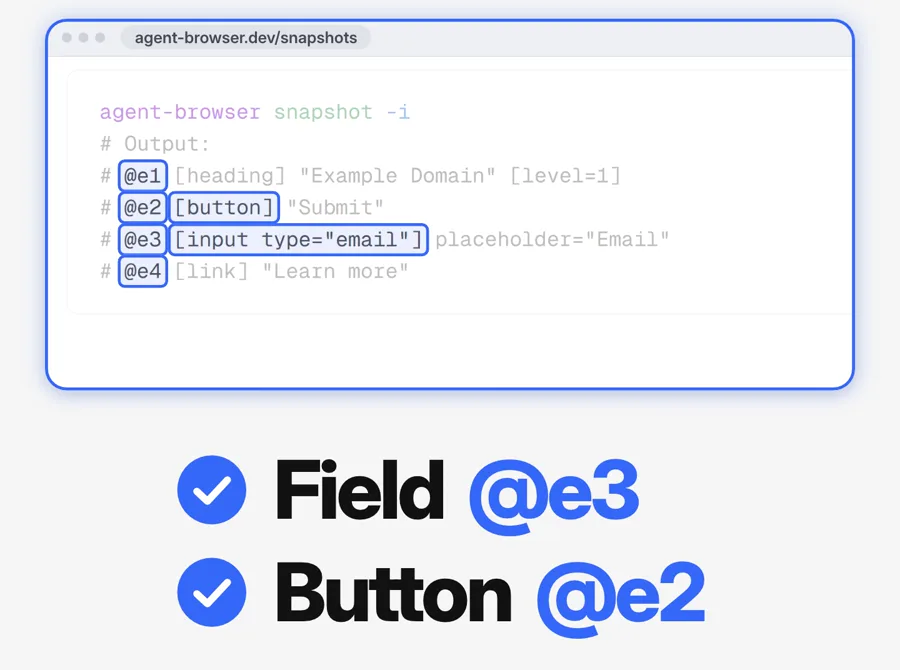
The agent reads each page as a short text list. Each button and each field on the page gets an ID, for example @e1 or @e2. The agent clicks and types by that ID. It does not guess from a screenshot.
The maker gives two examples. agent-browser click @e2 clicks the Submit button. agent-browser fill @e3 "a@b.com" types a@b.com into the email field.
The example of the maker on agent-browser.dev/snapshots, as it shows in my reel. It is not a run on my computer.
3
Your logins, with your permission
Optional: the --profile option
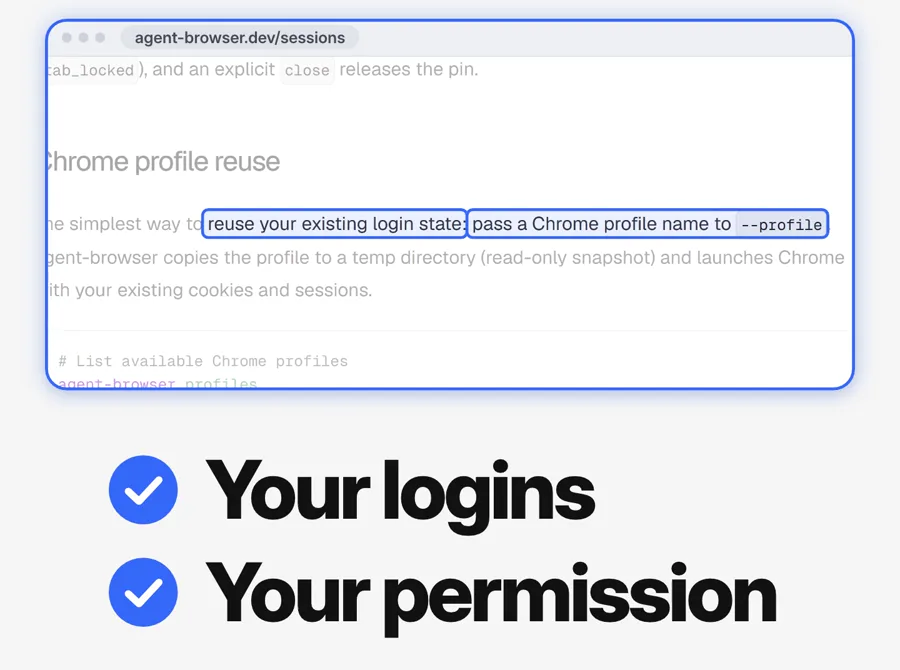
The agent can use your logins if you give it permission. The --profile option makes a read-only copy of your Chrome profile. Agent Browser then opens Chrome with your cookies and sessions. Your own profile does not change.
On Windows, close Chrome before you use --profile. Use it only on websites that you trust.
The "Chrome profile reuse" part of agent-browser.dev/sessions, as it shows in my reel.
One prompt that installs it
Copy this prompt. Paste it into Claude Code, Codex or your other coding agent. You need Node.js on your computer first.
Prompt
Install Agent Browser for me. Do these steps in order:

1. Read the README at https://github.com/vercel-labs/agent-browser.
2. Run "npm install -g agent-browser".
3. Run "agent-browser install". This downloads its own Chrome.
4. Run "agent-browser skills get core". Read the guide that it shows.
5. Test it. Open https://agent-browser.dev and tell me the main heading of the page.

If a step fails, stop and tell me the error. Ask me before you use my Chrome profile or my logins.
Or install it yourself in 6 steps
1
Install Node.js
Agent Browser installs through npm, the package tool of Node.js. If you do not have Node.js, install it first.
2
Install Agent Browser
Open your terminal (the text window of your computer). Type npm install -g agent-browser and press Enter.
3
Download its Chrome
Type agent-browser install and press Enter. The first time, this downloads its own Chrome ("Chrome for Testing").
4
Add the skill to your coding agent
Type npx skills add vercel-labs/agent-browser and press Enter. This works with Claude Code, Codex, Cursor and other coding agents.
5
Give your agent a task
Open your coding agent. Tell it the task. Tell it to use agent-browser. Use it only on websites that you trust.
6
Watch it live
Type agent-browser dashboard start. Then open http://localhost:4848 in your browser. You see each step of the agent.
Questions people ask
Is Agent Browser free?
Yes. Agent Browser is free and open source (Apache-2.0 license). Your coding agent has its own cost. For example, Claude Code needs a paid Claude plan or an API account. Cloud browsers (for example Browserbase) and the AI chat of the dashboard are optional. They need their own keys.
Which coding agents and computers does it work with?
The maker lists Claude Code, Codex, Cursor, Gemini CLI, GitHub Copilot, Goose, OpenCode and Windsurf. Agent Browser works on Mac, Windows and Linux.
Can the agent use my logins?
Yes, if you give it permission. The --profile option makes a read-only copy of your Chrome profile. Agent Browser does not change your own profile. It deletes the copy when the browser closes. On Windows, close Chrome first. To see your Chrome profiles, type agent-browser profiles.
Is it safe to use?
Use it only on websites that you trust. The security page of the maker says that a bad page can show text that looks like instructions to the agent. Agent Browser has optional settings that limit the websites and the actions of the agent. Read the security page.
Want AI set up like this for your business?We build AI setups and run ads for businesses.